Gallery
Finished work and recent field moments.
A visual record of approved project work, installation environments, and current production support from Heavenly AVI.
Gallery
A visual record of approved project work, installation environments, and current production support from Heavenly AVI.
Finished projects
Finished project pages stay here as the long-term showcase: reviewed photos, clear project context, and a path back into the full story.
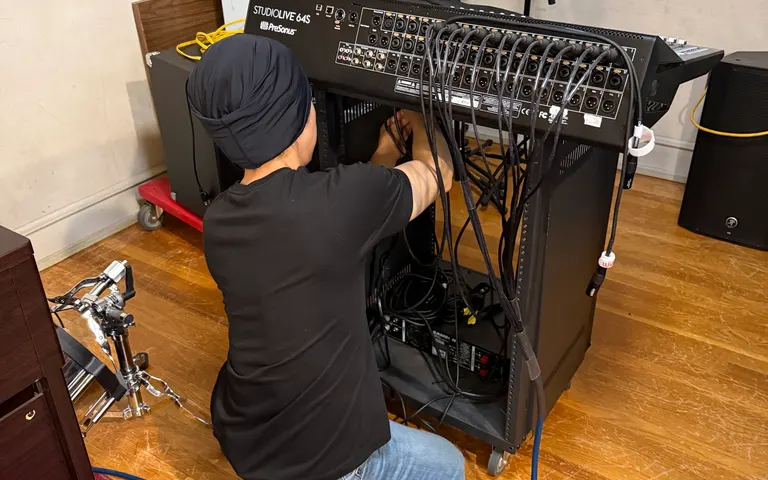 View project
 Church A/V Upgrade / Jul 2026
Private Church Client / Not specified
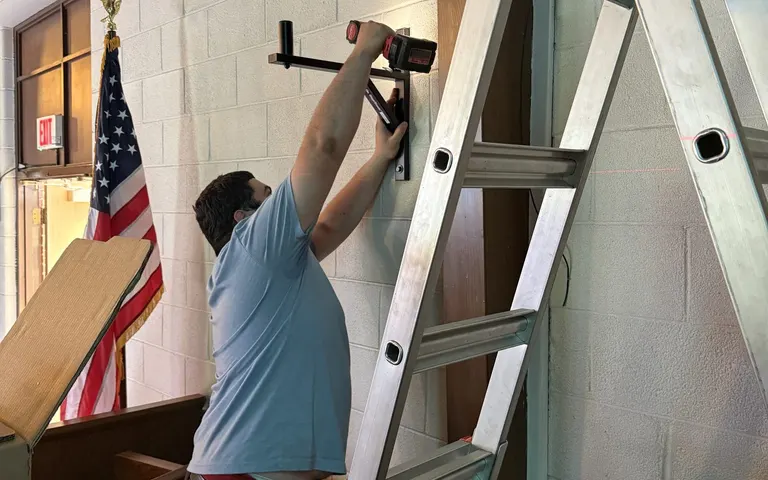 View project
 Church A/V installation / Jul 2026
UMC Church Bensalem / Bensalem, Pennsylvania
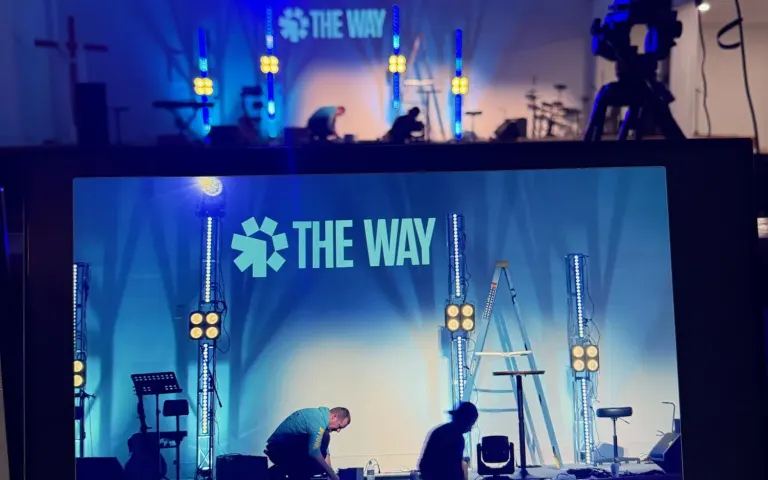 View project
 Church AV installation / Jun 2026
The Way Church / South Philadelphia, Pennsylvania
 View project
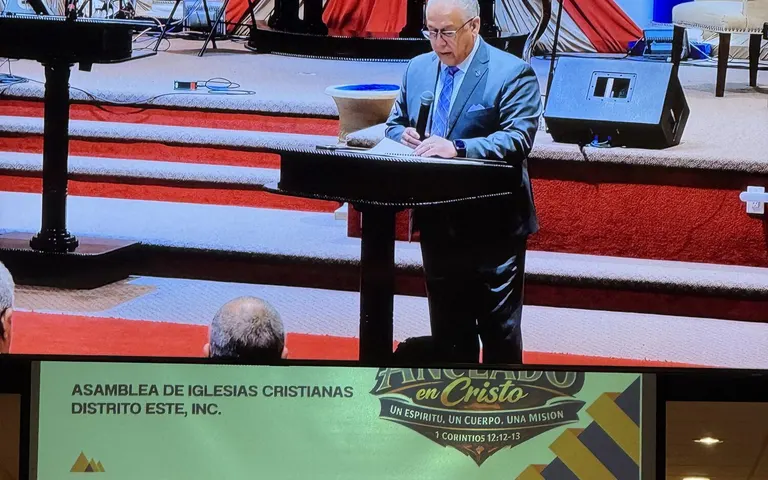
 Church convention A/V production / Jun 2026
AIC Assembly of Christian Churches East District / York, Pennsylvania
 View project
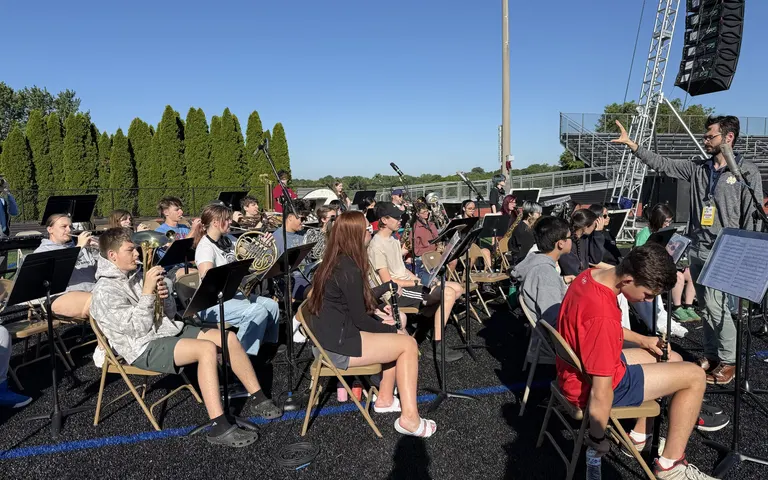
 Outdoor graduation technical support / Jun 2026
Zeo Brothers Productions / Pennsylvania
 View project
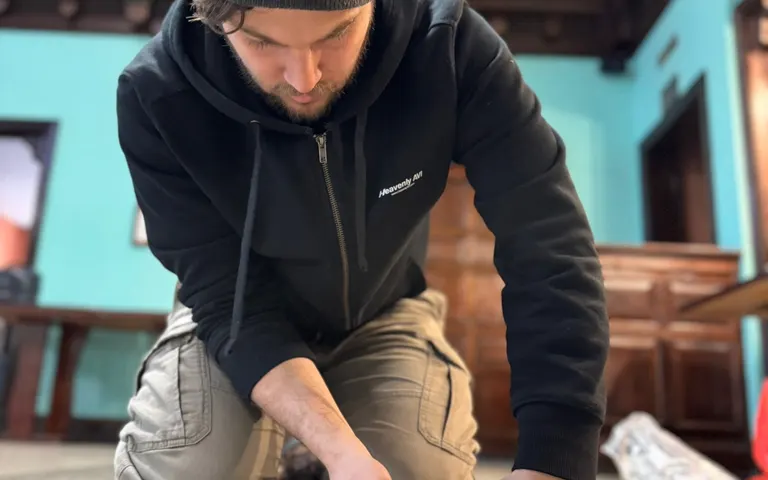
 Church A/V installation and integration / Jun 2026
Avivamiento Church / Cafe worship gathering space
Recent work
Fresh production, install, and support moments from the Heavenly AVI feed. Posts open directly on Instagram.
Environment references
A small supporting set for visual context while the finished project archive continues to grow.
Stage and room
Stage and room context
A wider room view helps show how stage layout, seating, and sightlines shape practical installation and support decisions.
Production environment
Broader production environment
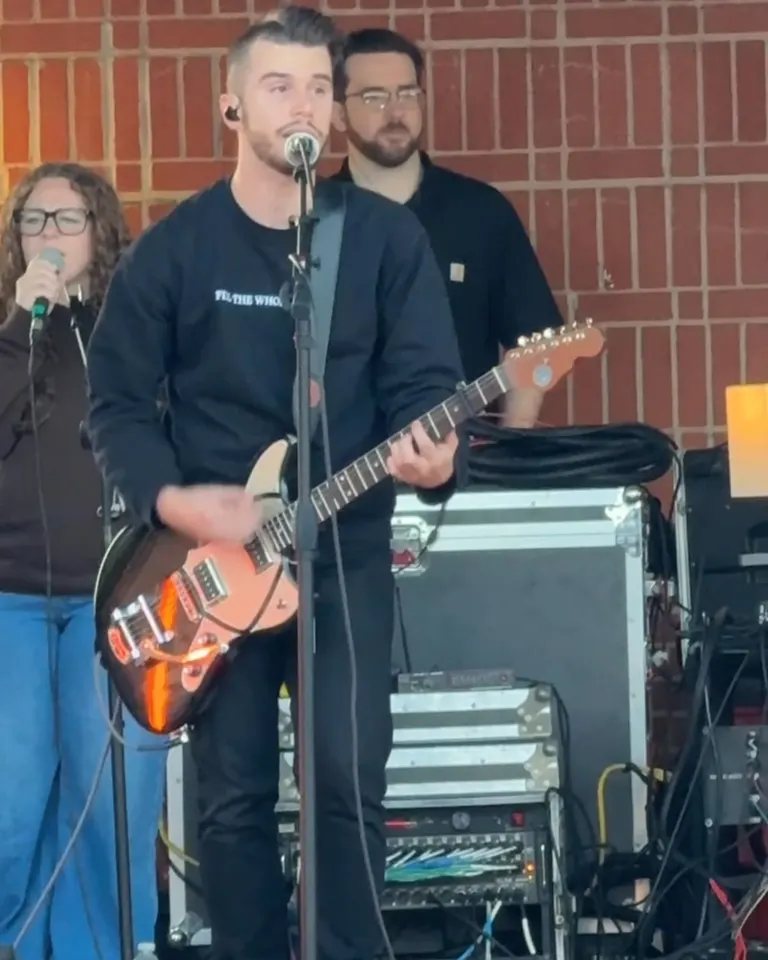
A real production environment ties together the room, stage energy, support realities, and operator decisions in one frame.
Operator position
Operator workflow
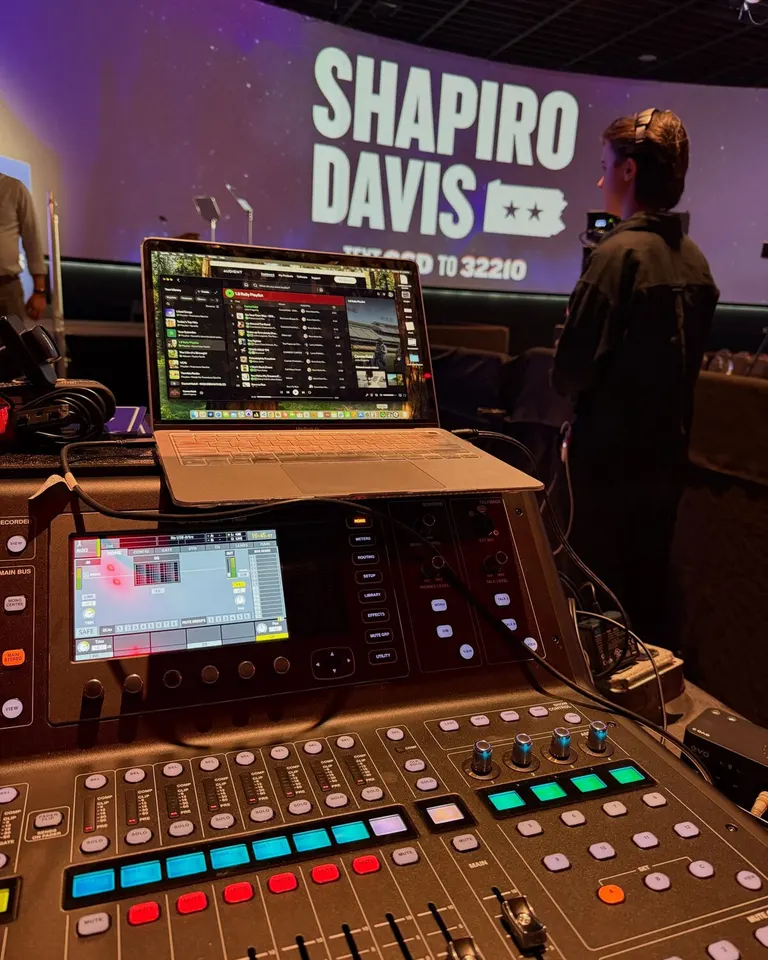
The operator position needs to support fast decisions, clear visibility, and a workflow volunteers can actually manage under pressure.
Streaming workflow
Livestream and signal flow
Streaming reliability depends on clear screen workflow, support visibility, and production tools that connect cleanly during service.
Infrastructure
Rack and infrastructure
Infrastructure work is what makes cleaner routing, future troubleshooting, and long-term reliability possible later on.
Team support
Volunteer-ready systems
Volunteer-ready systems are not just about gear. They are about making the environment teachable, repeatable, and easier for teams to trust.
Best next step